What’s new
Blur or a picture behind you in your lessons
You can now blur what's behind you, or put a picture there, in your lessons.
- Blur softens your room so the lesson is about you, not the laundry.
- A picture: choose a study, a window, leaves, soft lights or calm colours, or use a photo of your own. The photo file stays on your device: others see it only as part of your video.
- It is your camera only, and off unless you turn it on. Your choice is remembered for your next lessons on the same computer and browser.
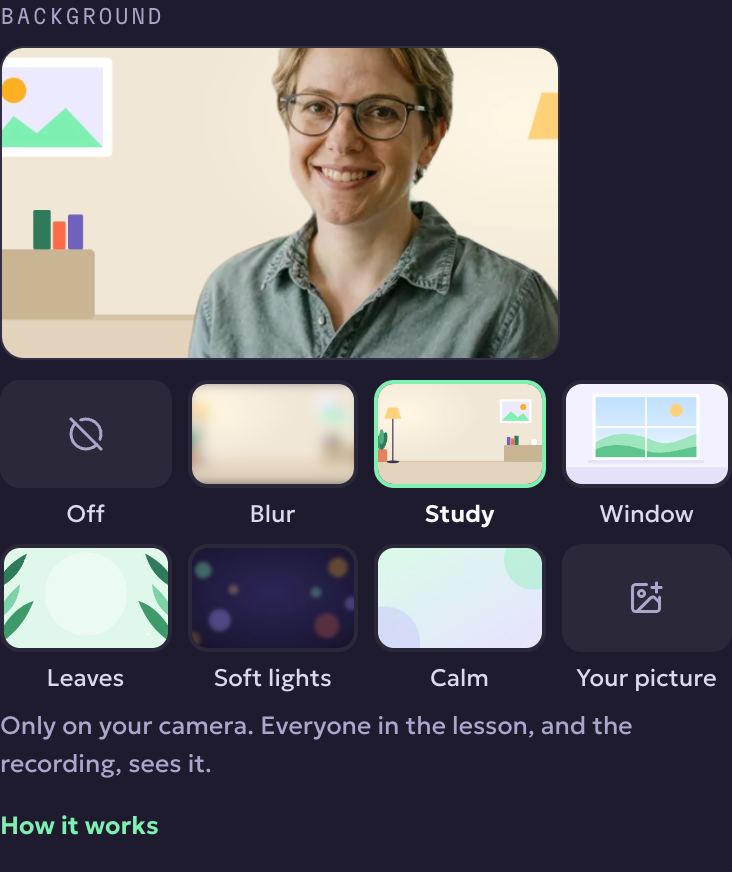
Where: in a lesson, open Audio and video settings (on a phone, ⋯ first) and choose a Background. A small preview shows what everyone sees, and the recording shows it too.
It works in up-to-date browsers and in the KoloLingo app for computers; if your browser can't do it, the setting tells you. In the phone app you can't add one yet, but you see other people's backgrounds. If your device can't keep your video smooth with a background on, it turns itself off and tells you.