What’s newFor students
Your lesson summary: what's in it and where to find it
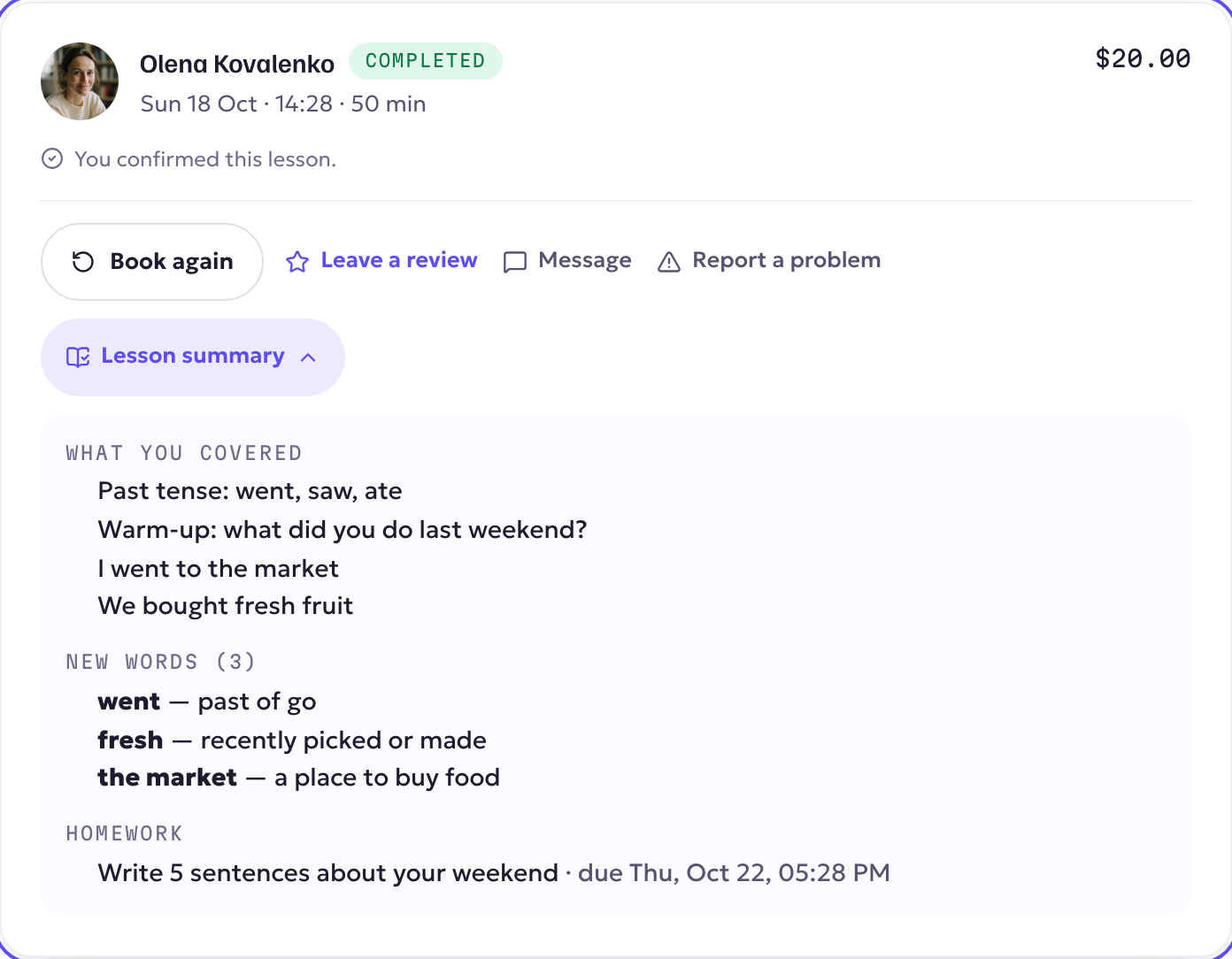
After every lesson you now get a short summary: what you covered, the new words, your homework and your next lesson. Your teacher doesn't have to write anything; KoloLingo builds it from your lesson.
Where you find it
- By email and notification, about 30 minutes after your lesson ends.
- In Lessons: under any finished lesson, press Lesson summary.
What's in it
- What you covered: the lesson's topic and the main points from the lesson document your teacher shared with you.
- New words: the words your teacher added to your Learning Notebook during the lesson. Practise them in Review.
- Homework: what your teacher set for this lesson, with the due date.
- Your teacher's tip: for lessons recorded with your permission, a short tip based on the lesson.
- Your next lesson with the same teacher, if it's booked.
If your teacher kept the lesson document private, it isn't included; only what they shared with you appears. A lesson with nothing to summarise sends no email.
Turning the emails off
The summary follows your Lessons notifications. You can switch its emails off in Account → Notifications. The summary stays available under the lesson.