What’s newFor teachers
Try KoloLingo before you're approved: practice lessons
You don't have to wait for your application to be approved to get to know KoloLingo's classroom. From the moment you apply, you can run free practice lessons with a pretend student and try every tool.
Where to find it
Open your application page (Become a teacher → your application). Under your application's status there's a Practice lesson card.
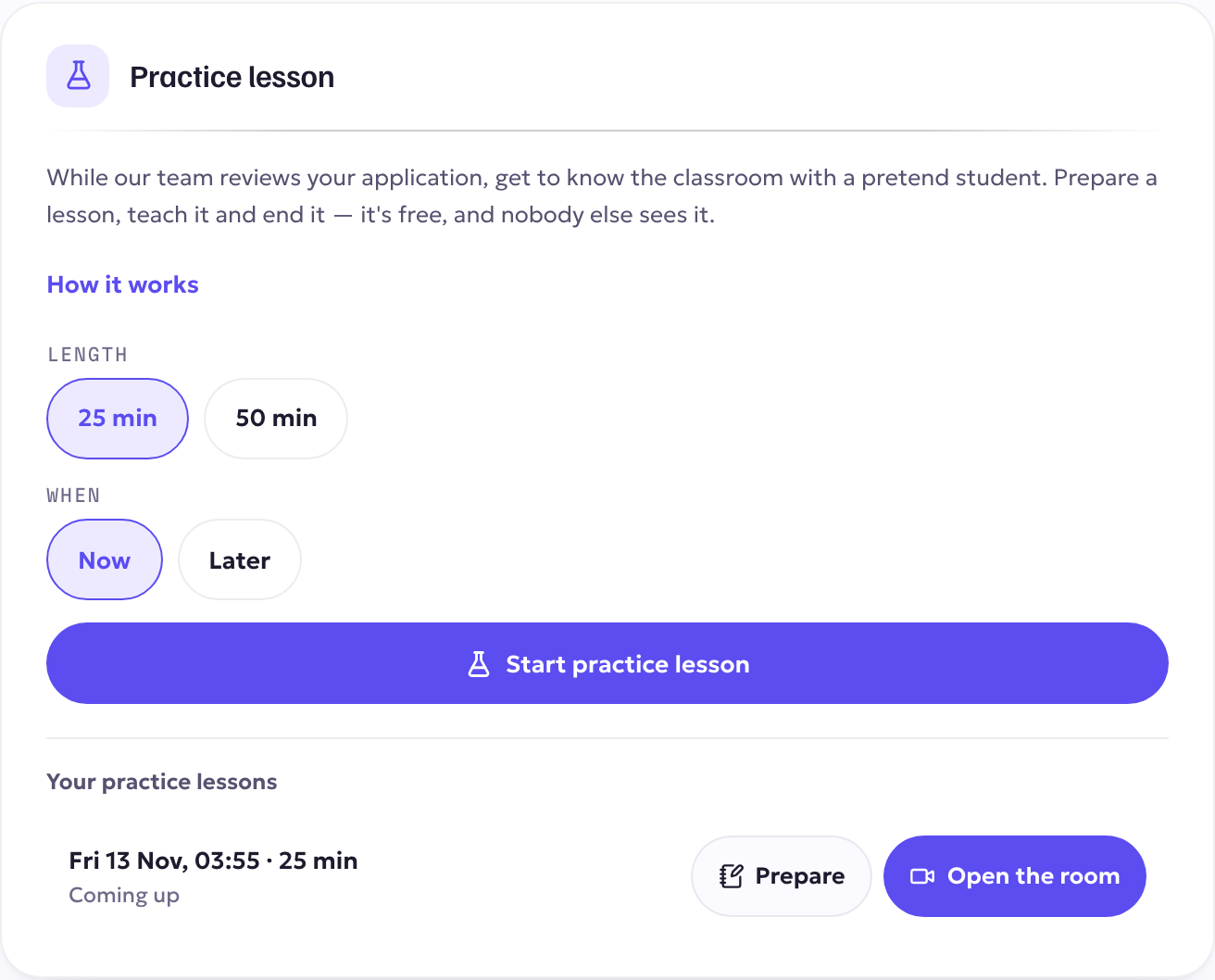
Start a practice lesson
- Choose the length: 25 min or 50 min.
- Choose Now to go straight into the classroom, or Later to pick a date and time.
- Select Start practice lesson (or Schedule practice lesson).
Your practice lessons are listed under Your practice lessons on the same card.
Prepare it
Select Prepare next to a practice lesson. You get the same preparation page as for a real lesson: the topic, your plan, the words for the lesson, slides and materials you upload. Everything you prepare is waiting in the classroom.
Teach it
Select Open the room. The classroom is the real one: camera and microphone, the whiteboard, slides and documents, chat, vocabulary and the lesson document. Your pretend student is there so you can see how things look. When you're done, end the lesson as you would a real one.
Good to know
- Practice lessons are free. Nothing is charged, nothing is paid, and they never appear on your profile or count as lessons taught.
- No student can see, find or book a practice lesson.
- You can create up to 10 practice lessons a day, with up to 3 waiting at a time.
- Practice is available while your application is being reviewed or waiting for your changes. If an application is turned down, practice lessons stop.
- When you're approved, your practice lessons and your preparation move to your teacher portal, where you can keep practising.