What’s newFor teachers
Invite another teacher into your lesson
You can now bring another KoloLingo teacher into a lesson that is already booked: to team-teach, to cover part of a lesson, or to introduce a colleague to your student.
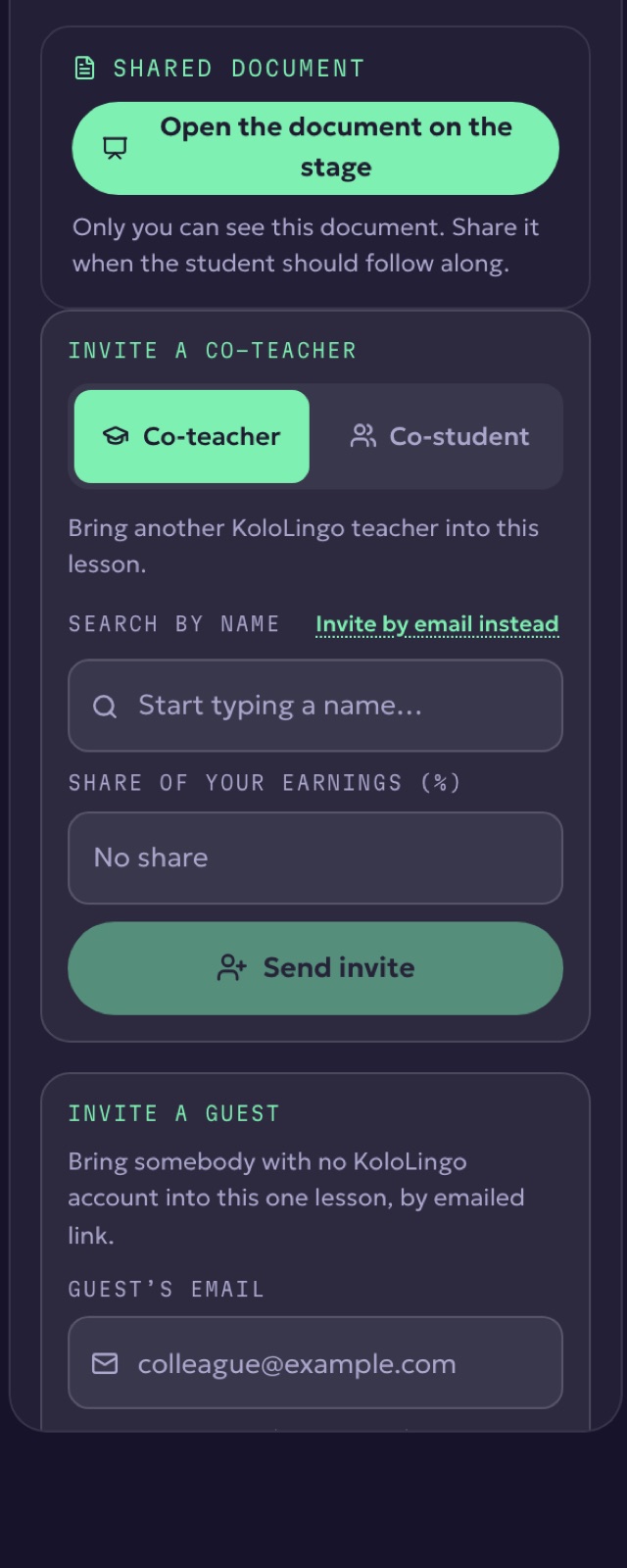
How to invite a co-teacher
- Open the lesson room.
- In the side panel, open Notes and find Invite a co-teacher.
- Start typing your colleague's name (or use Invite by email instead).
- Optionally set a share of your earnings for them, then press Send invite.
Your colleague gets a notification and an email in their language. Once they accept, they join with the same tools you have. You can remove them from the same panel at any time.