What’s newFor teachers
Bring a colleague without an account into one lesson
You can now invite a colleague who doesn't have a KoloLingo account to co-teach one booked lesson.
How it works
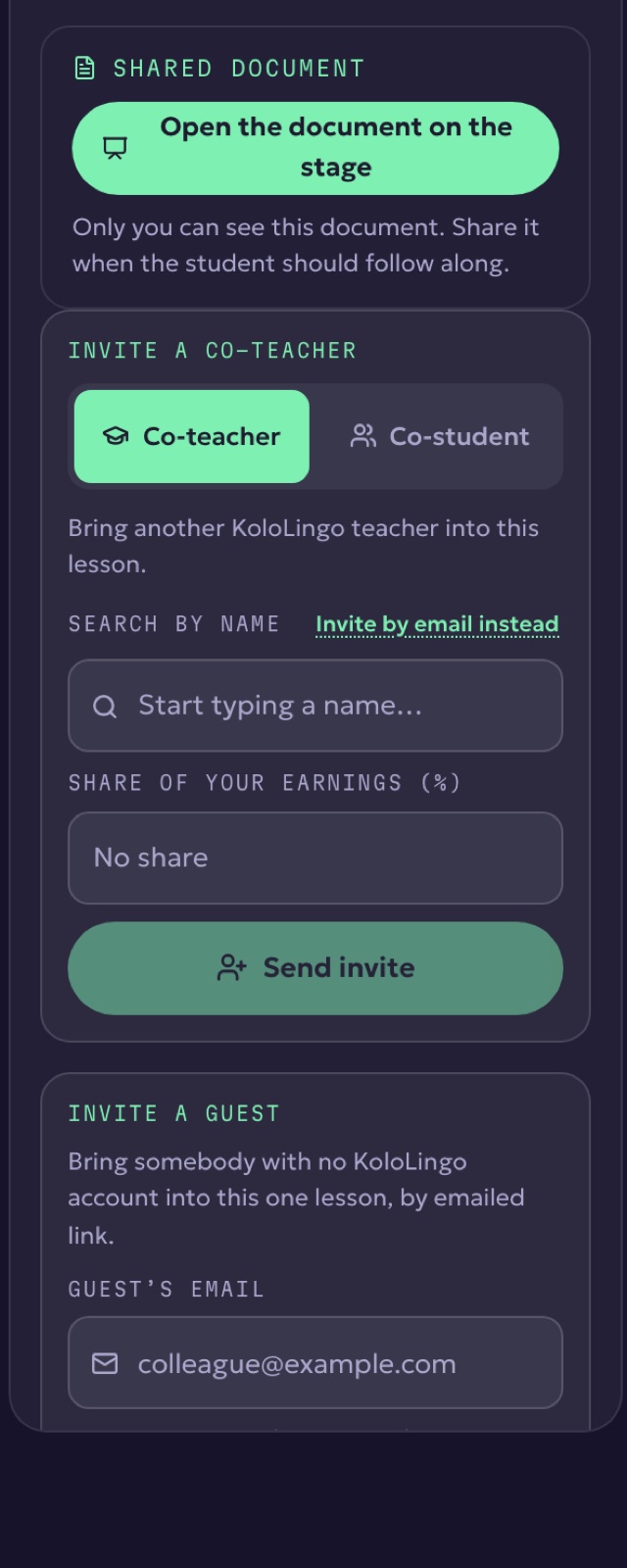
- In the lesson room, open Notes and find Invite a guest.
- Enter your colleague's email.
- Your student is asked first, because they booked a one-to-one lesson. Only after they approve does your colleague get the link.
- Your colleague joins that one lesson from the link, without an account.
Guests are not paid through KoloLingo, and both emails say so clearly.