What’s newFor teachers
Choose how far ahead students can book you
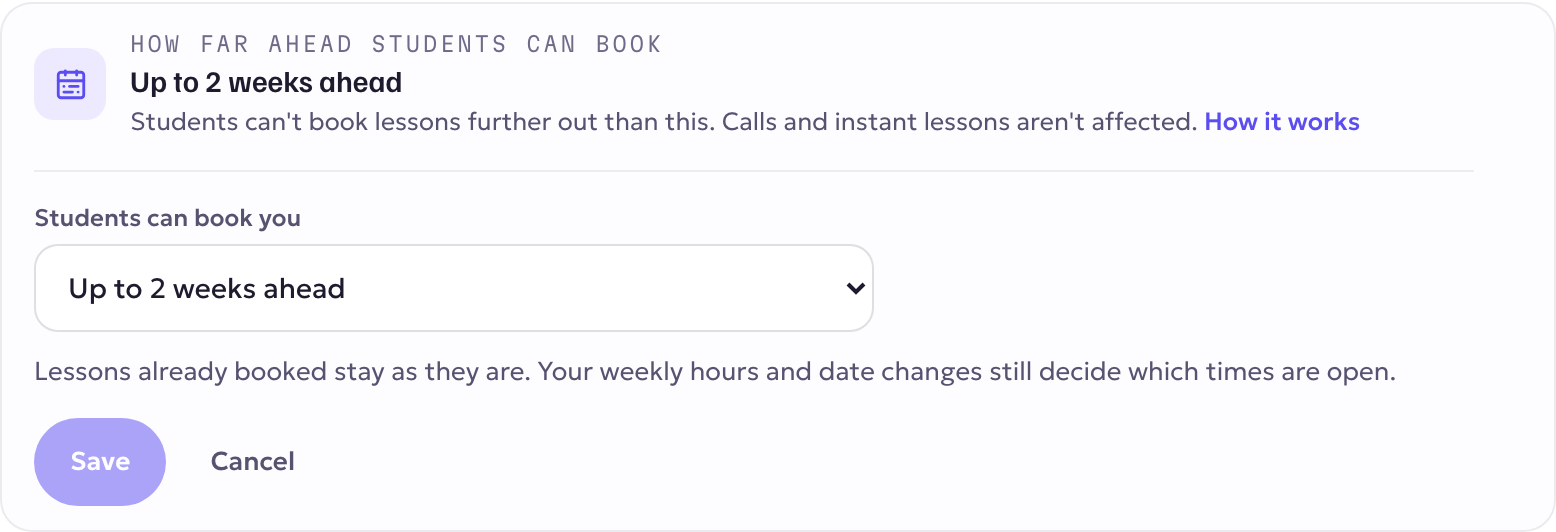
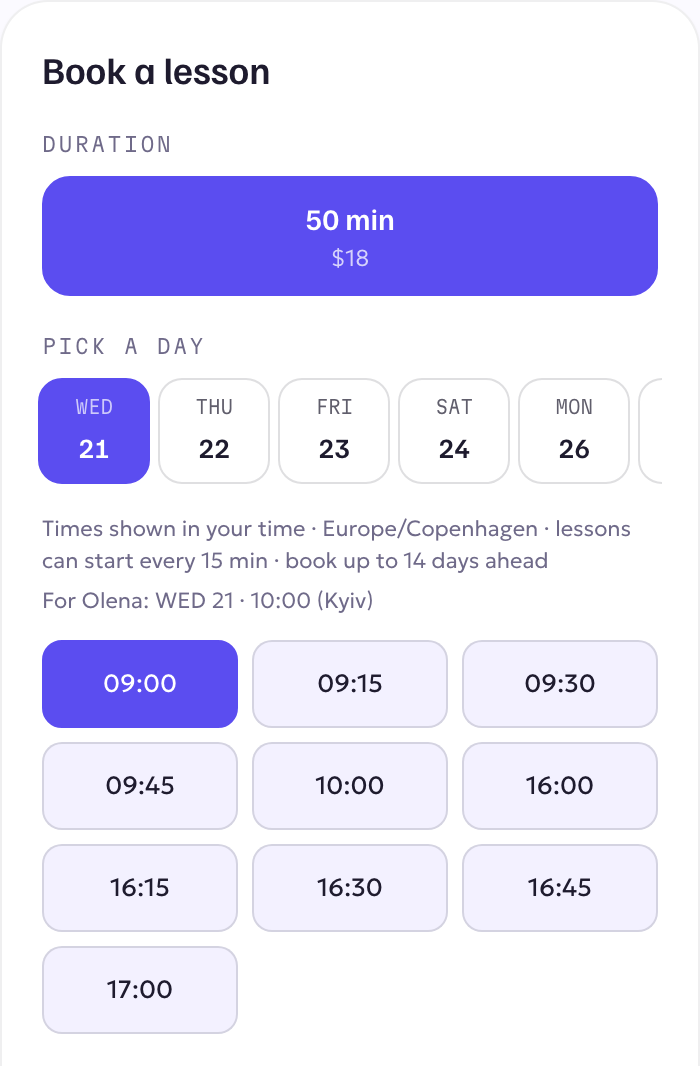
You can now choose how far ahead students can book lessons with you. Until today, any open time in the next 90 days could be booked. If you'd rather keep your calendar flexible, set a limit, for example two weeks, and students will only see and book times inside it.
This came from a teacher in the teachers' lounge. Thank you, Alice!
How to set it
- Open Teach → Availability.
- At the top, find How far ahead students can book and press Change.
- Choose a limit: from 1 day up to 2 months ahead, or No limit.
- Press Save.
It takes effect straight away: on your profile page, in the apps, for weekly lessons and when a student moves a lesson. Students see "book up to … days ahead" under your times.
It works in the KoloLingo desktop app for Mac and Windows right away. The phone and tablet app gets the same setting under Availability in its next update. Until then, a limit you set on the web already applies to students booking from the app.
Good to know
- No limit is the default. If you don't change anything, nothing changes.
- Calls and instant lessons aren't affected. Students can still call you whenever you are free now.
- Lessons already booked stay. A limit only changes which new times students can pick.
- Your weekly hours still decide which times are open. The limit only cuts off times that are too far ahead.
- Weekly lessons follow it too. With a 2-week limit, a student can set up weekly lessons only for the weeks inside your window.
- You can still move a lesson further out yourself. The limit is for students' bookings, not for your own changes.