What’s newFor teachers
Upload your certificates and get the CERTIFIED badge
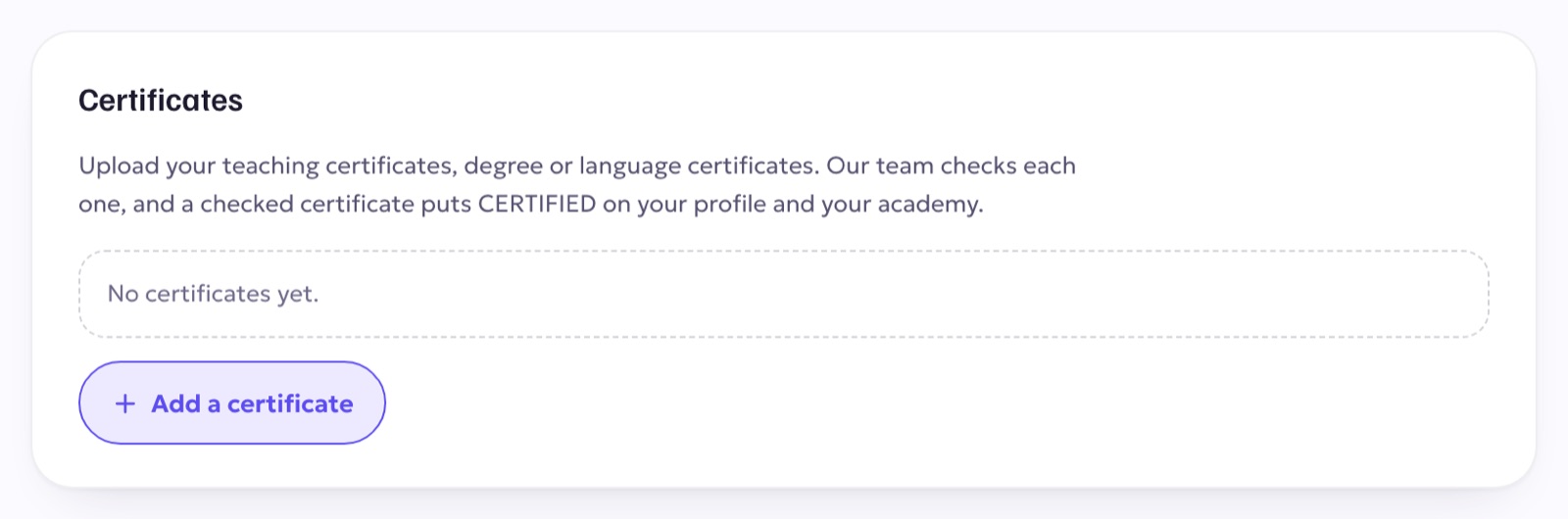
You can now upload your teaching certificates, degrees and language certificates to your profile. Our team checks each one. Once a certificate is checked, your profile and your academy page show CERTIFIED.
How to add a certificate
- Open Profile & settings and scroll to Certificates.
- Press Add a certificate and upload the document.
- You get a notification and an email when it has been checked.
Students can filter Certified only when they look for a teacher. Also new for new teachers: lesson prices start empty, so you choose your own price instead of keeping a default.