What’s newFor teachers
Teaching tools: a picture on your camera and camera layouts
Two new Teaching tools in the classroom: pictures on your camera, and camera layouts.
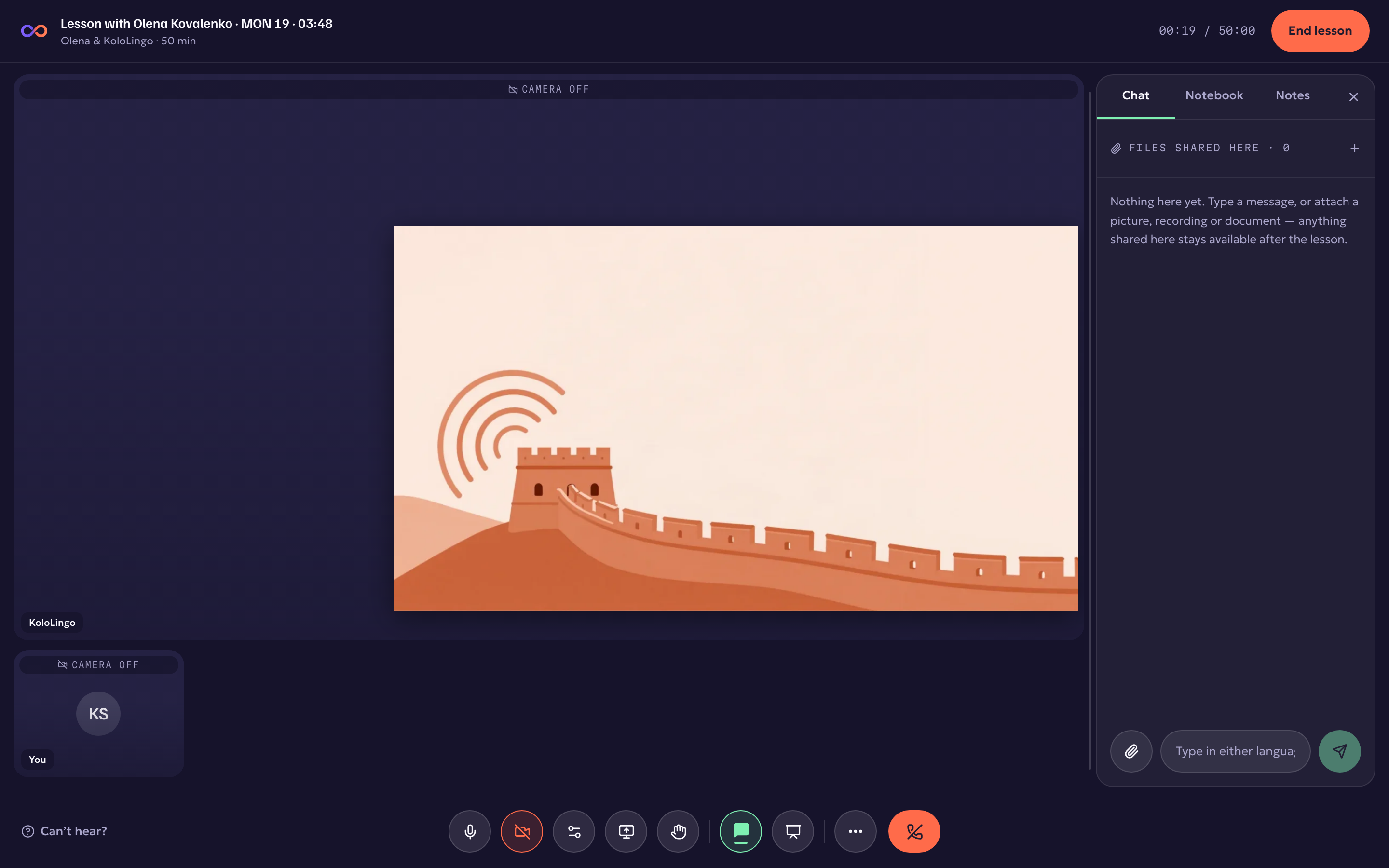
- A picture on your camera. Put a picture on your own camera for everyone to see: the word you are teaching, a flag, a story card. Pick one from the lesson, upload one, or add one from your library, then choose where it sits and how big it is. Students who join late see it too, and it is in the lesson recording.
- Camera layouts. Show the usual lesson view, put one camera in the spotlight (yours, or a student who is presenting), or show everyone side by side for conversation practice. Your students follow your layout. The whiteboard and your materials wait behind the cameras, exactly where you left them.
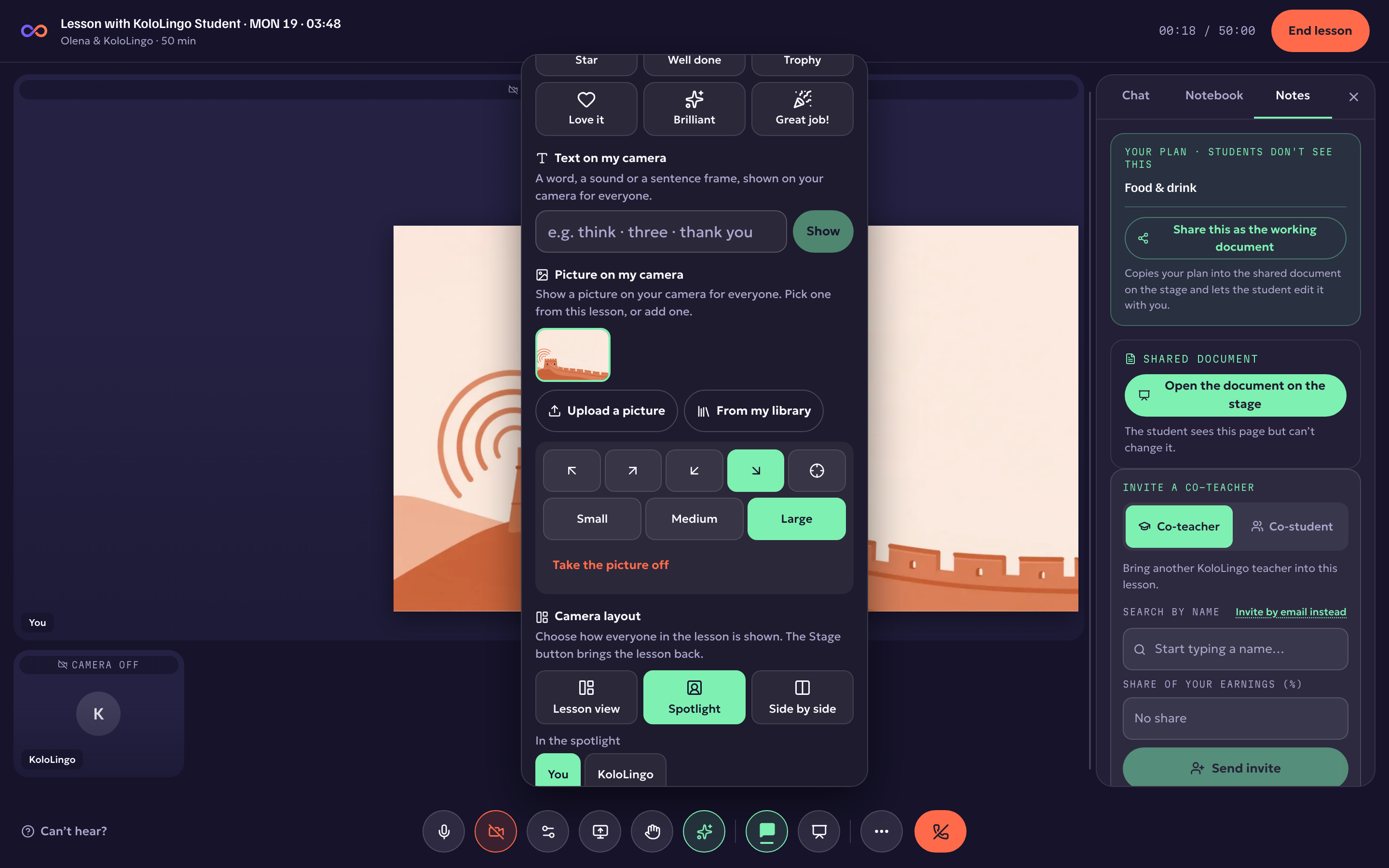
Where: in a lesson, the sparkles button in the bottom bar (on a phone, ⋯ then Teaching tools). Your video is not touched, so the call stays as smooth as before.