What’s newFor teachers
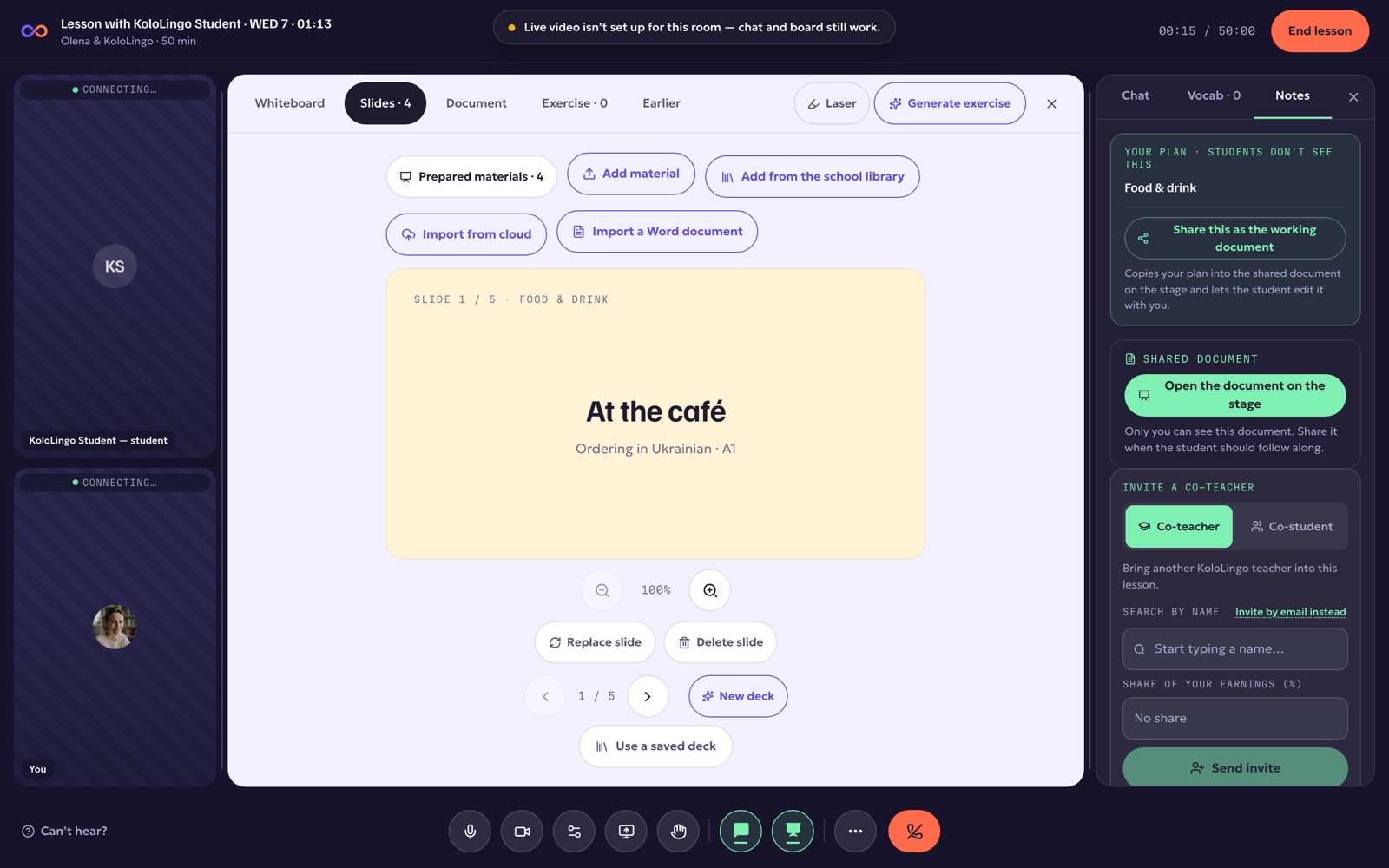
Shared notes, zoom the student follows, and audio in class
Four things you asked for after your first lessons:
- Shared notes beside the slide. You decide if the student can't see them, can read them, or can edit them, and you can switch at any time.
- Zoom that the student follows. Zoom into part of a slide and drag to move around. The student sees exactly the part you are showing.
- Audio in class. Upload an MP3, M4A, WAV or OGG file on the lesson's prep page. It opens in class as a player, and the student hears it on their own device.
- Your plan in class. The topic and plan you wrote on the prep page are waiting for you in the Notes tab.