What’s newFor teachers
How to reply to your students' reviews
You can now reply to the reviews your students write: thank them, or add something useful for students who are still deciding. Your reply appears publicly on your profile, right under the review.
How to reply
- Open Reviews in your teacher menu.
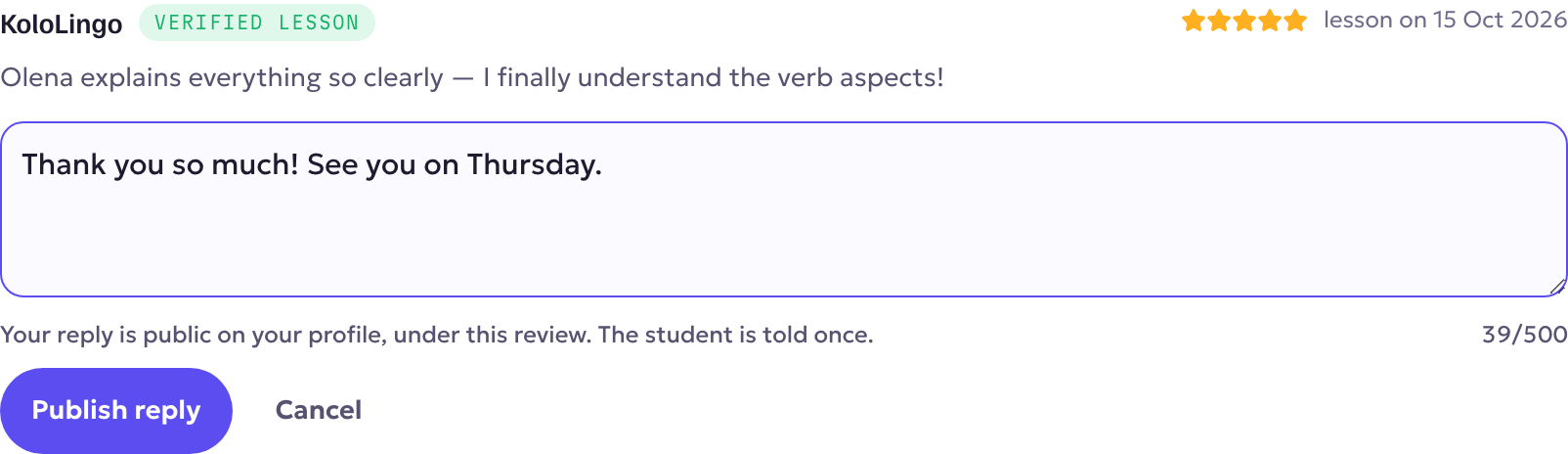
- Under a review, press Reply, write your answer (up to 500 characters) and press Publish reply.
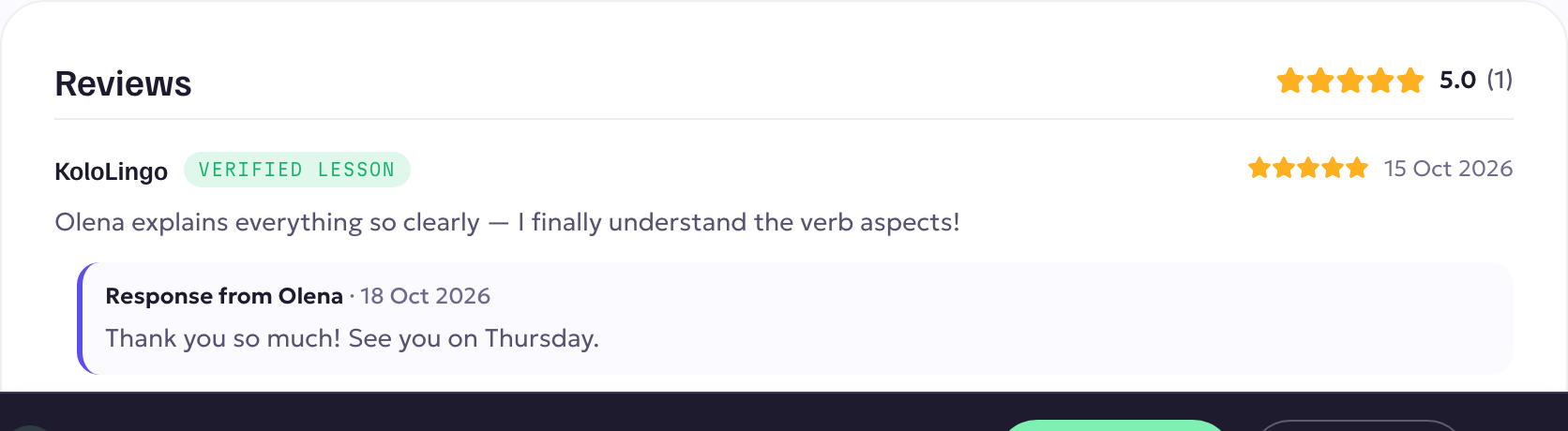
Your reply now shows under the review on your public profile, as Response from your name.
Good to know
- The student is told once, with a notification, the first time you reply. Editing later doesn't notify them again.
- Edit reply and Remove reply are always there under your reply.
- A reply never changes your rating, and you can reply to each review once.
- Keep it warm and short. Future students read these replies when they choose a teacher.