What’s newFor teachers
Set your prices in euros
You can now set your prices in euros instead of US dollars.
How to switch
- Open Profile in your teacher portal.
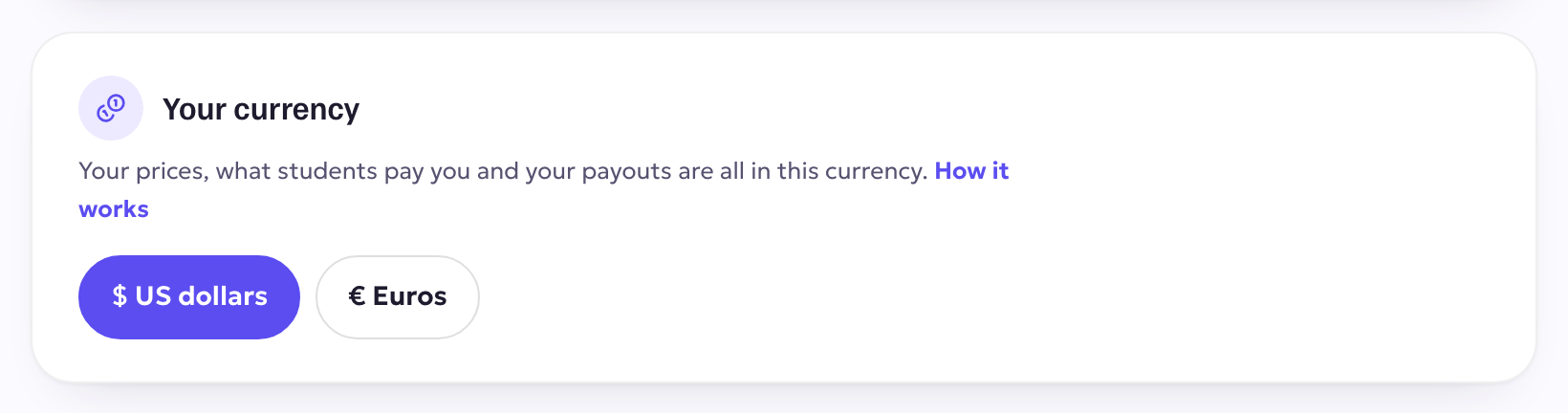
- Under Your currency, choose Euros (€).
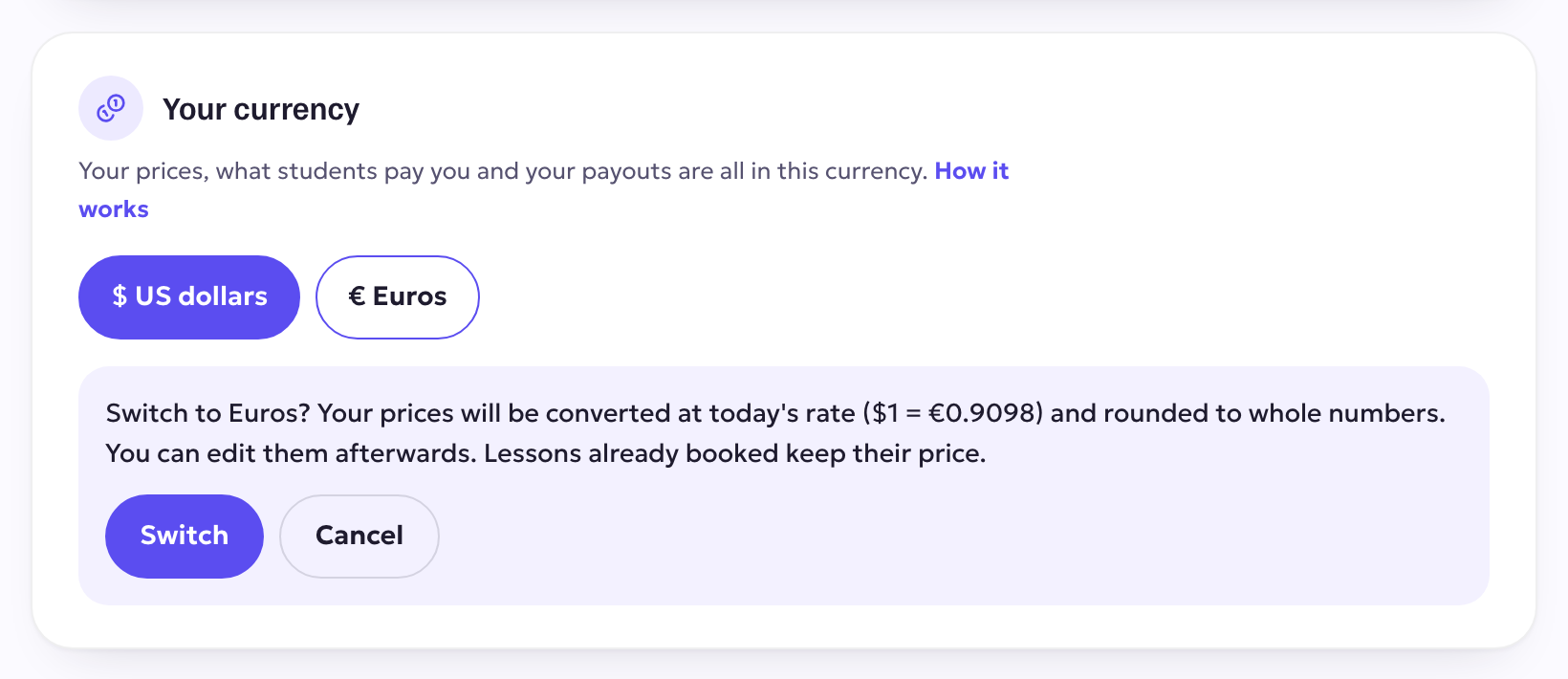
- Check the message and press Switch. Your prices are converted at today's exchange rate and rounded to whole euros. You can change any of them afterwards, as always.
What changes
- Students see your prices in euros and pay you in euros.
- Your earnings and your payouts are in euros, paid to your bank through Stripe.
- Lessons that were already booked keep their price.
- Dollars you have already earned stay in their own balance, and you can withdraw them as before.
- Your yearly tax statement shows each quarter in the currency you were paid.
Euros are paid out through Stripe
Euro payouts reach your bank through Stripe. If you haven't connected Stripe yet, open Profile → Payouts and set it up first, then switch your currency.
You can switch back to US dollars at any time.