What’s newFor students
How to join your lesson (students)
Video guide
Watch how it works, step by step, in the real app.
Joining your lesson takes one tap, and the minutes before it start can be useful too.
Joining
- Open Lessons. Your next lesson is under Upcoming.
- From an hour before it starts, the lesson shows Join lesson. Press it.
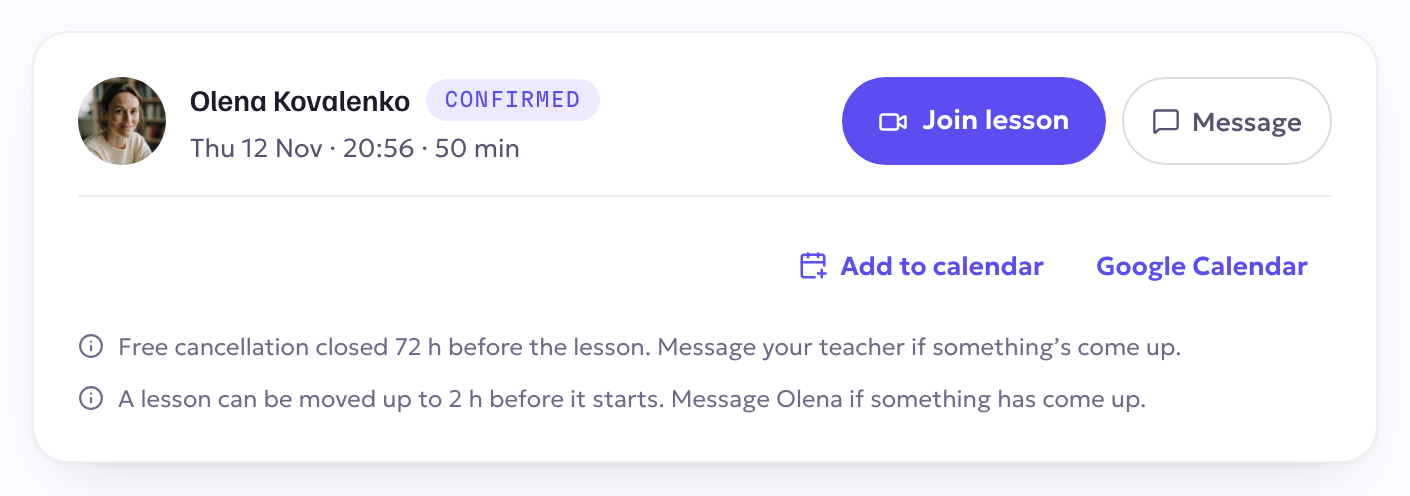
If you open the room earlier than that, you see when the lesson starts, and you can still choose Open this room anyway.
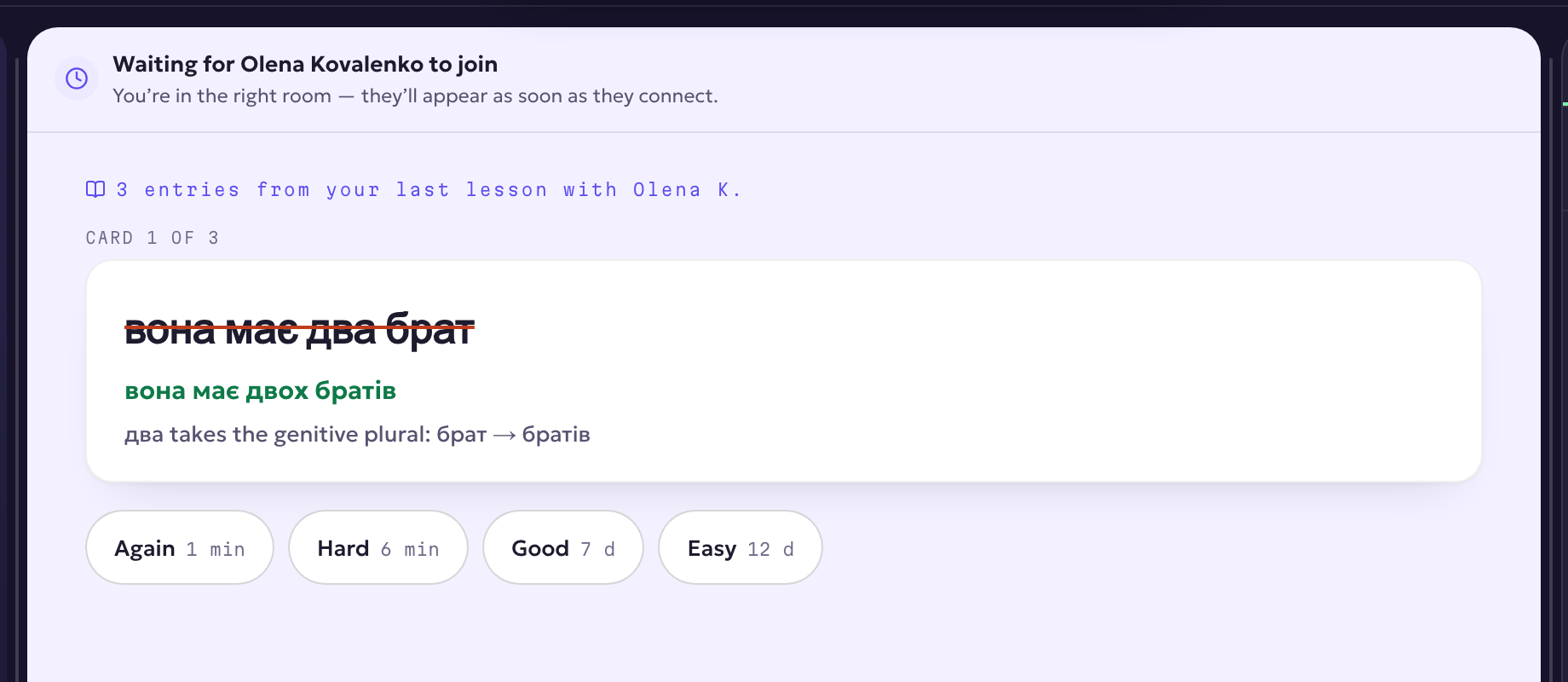
While you wait
If your teacher isn't there yet, you wait in the lesson room, not in front of a blank screen. You review your flashcards: read a card, press Show the answer, and say how well you remembered.
In the lesson
When your teacher arrives, the lesson begins. You see what they show (slides, pages, the shared document and the board) and follow their view. If you look around on your own, one tap brings you back to their view.
Before your first lesson, check your microphone, camera and speaker in the room's settings.