What’s new
Clearer lessons on weak internet, a better camera, and face to face first
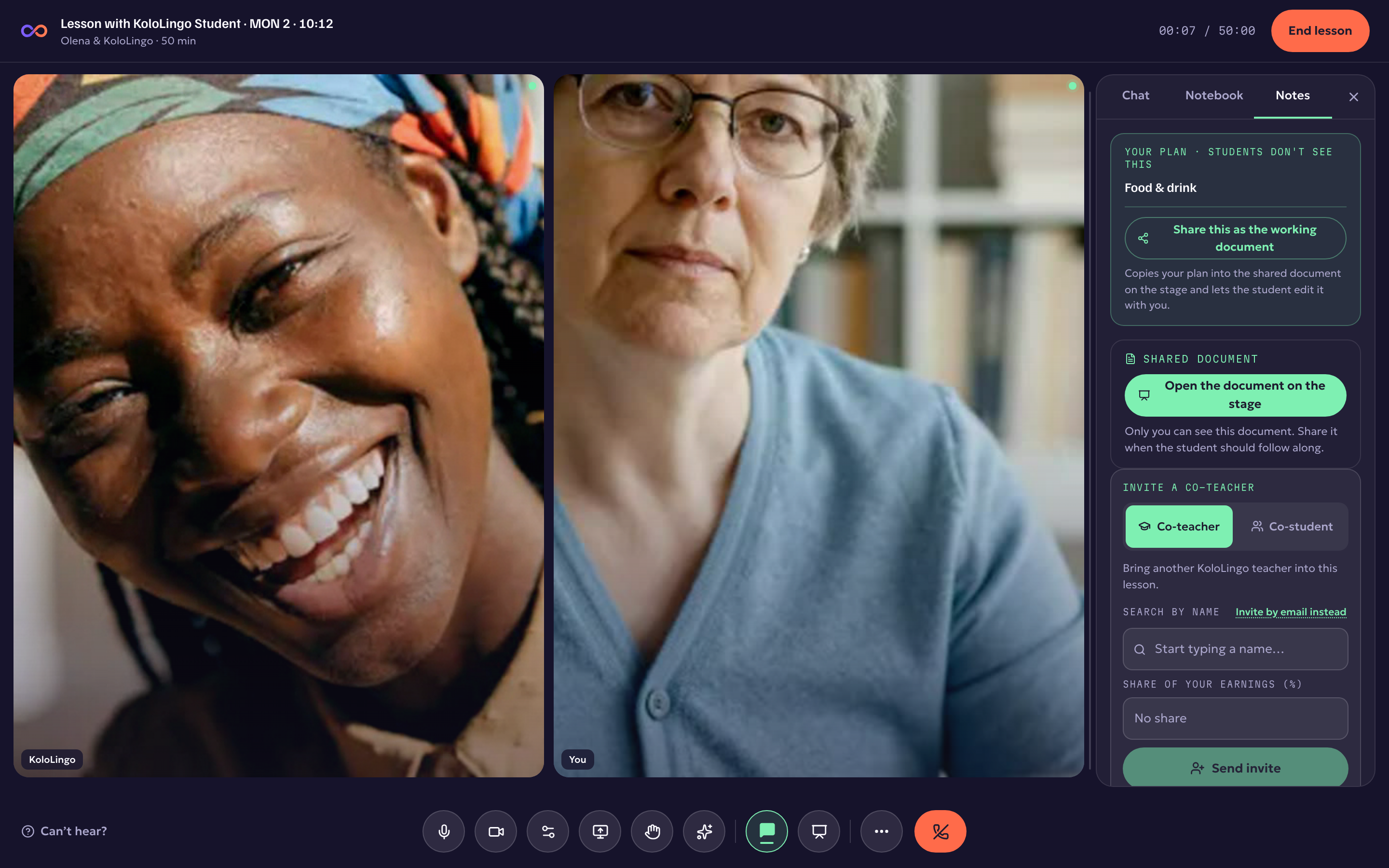
Your lessons now run on KoloLingo's own video servers, and the lesson room got better at the things that matter most when the internet is not perfect.
Your voice comes first. When a connection gets weak, the room now protects the sound before the picture: voices are sent with extra safety packets so words do not drop out, and the ends of sentences are no longer clipped. Cameras quietly switch to a lighter picture for whoever needs it, instead of freezing.
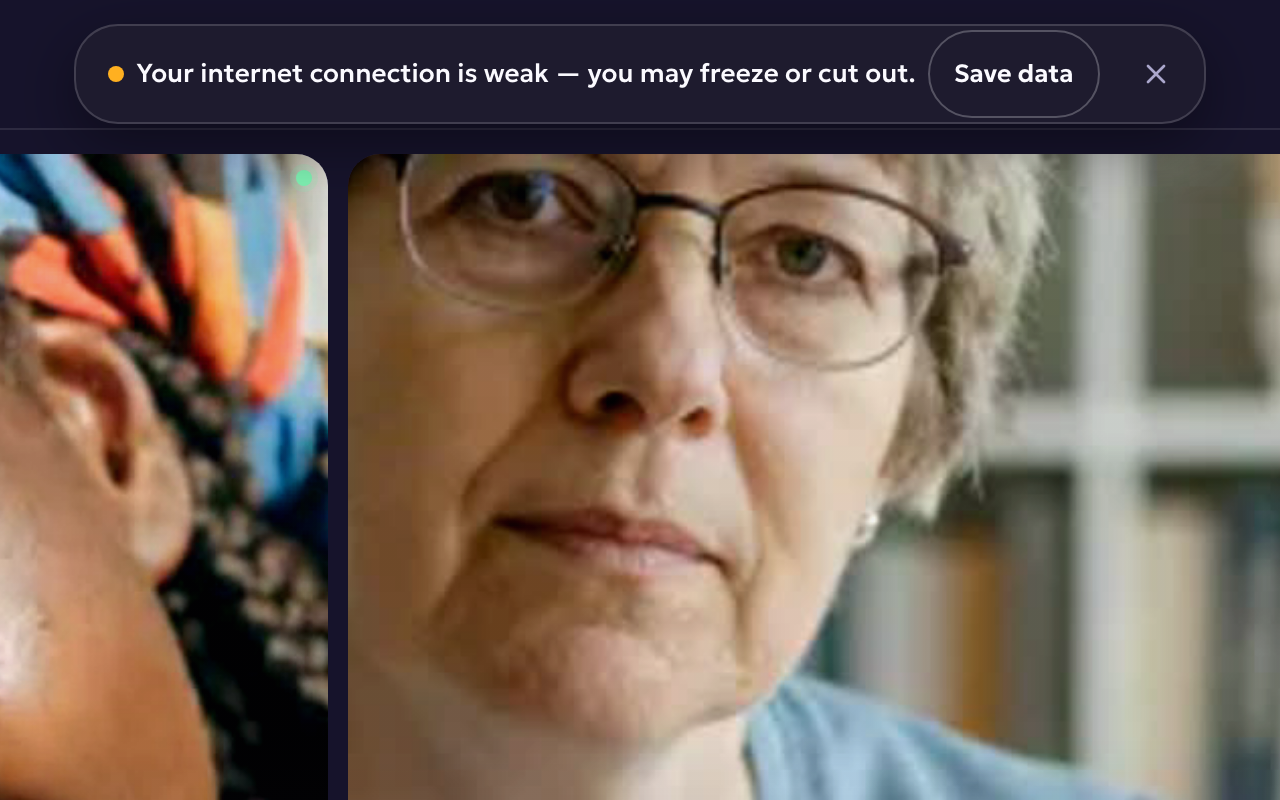
You know when it's your internet. If your own connection gets weak, a small notice says so, with one button: Save data. It pauses the other cameras on your screen, so voices, the whiteboard, slides and everything else in the lesson keep flowing. If your line stays weak, the room does this for you, and Show videos turns them back on. If the connection drops for a moment, you see Reconnecting… and the lesson is still there when it comes back.
Noise reduction is your choice. Open Audio and video settings (the gear next to the microphone). Keep Noise reduction on in a noisy place. With a good microphone in a quiet room, turn it off and your voice sounds more natural.
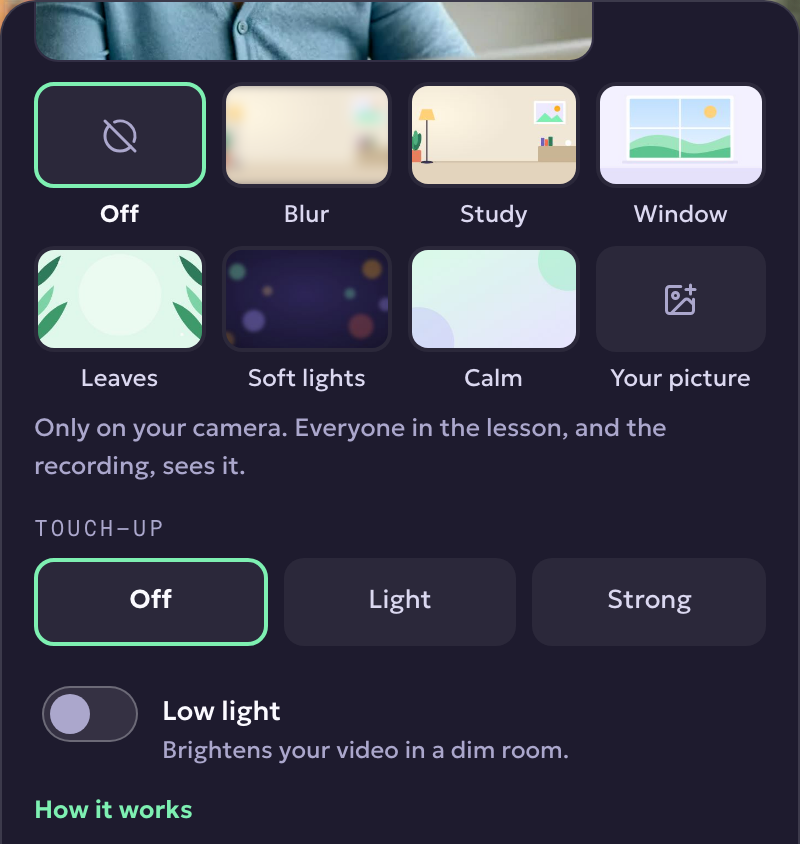
A better camera. Backgrounds now follow your outline more closely, with no flicker around your hair and shoulders. Beside them you'll find Touch-up (Off, Light or Strong) and Low light for a dim room. They're on your camera only, and everyone in the lesson sees the result. They work on a computer, in the browser or the KoloLingo app for computers.
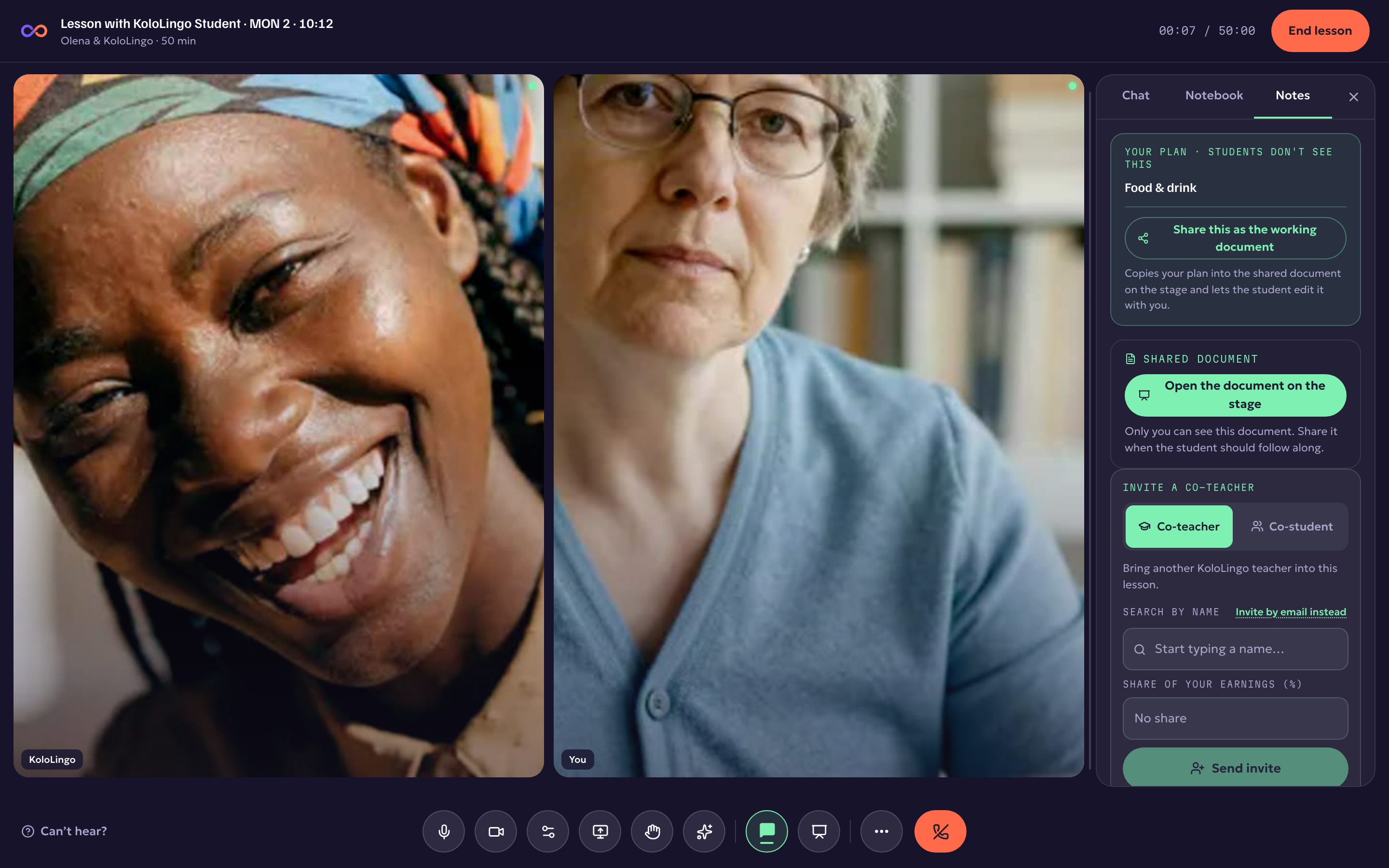
Face to face first. A lesson usually starts as a conversation, so while nothing is on the stage yet, the two of you are shown side by side, big. The first thing you write on the whiteboard, or any slides, material or screen you open, brings the stage back. The Stage button brings it back for you at any time.
For teachers: connection quality after the lesson. On the lesson's page you'll now see how steady each person's internet was, for example "weak connection for 6 of 50 minutes". So when a student says the lesson kept freezing, you can see whose line it was.
Lesson transcripts work again, for lessons where both of you have them switched on.