What’s new
KoloLingo for Mac and Windows
KoloLingo now has an app for your computer, for Mac and for Windows. It was the most-voted idea on the ideas board, and it is free.
It is the KoloLingo you already use: every page, every feature and the same account. What it adds is what a browser tab cannot do.
- Steadier lessons. Lessons run in their own app instead of a tab the browser slows down when you switch to another window. You hear the other person as soon as you join.
- Easy screen sharing. Click Share in the lesson and pick a whole screen or a single window from live previews. On Windows you can share your computer's sound too, for a video or a listening exercise.
- Notifications without a tab. Messages, bookings and instant calls arrive as system notifications, and the app icon shows how many are unread. This works with the window closed: KoloLingo keeps running in the Dock on a Mac and next to the clock on Windows.
- It updates itself. New features arrive as soon as we release them.
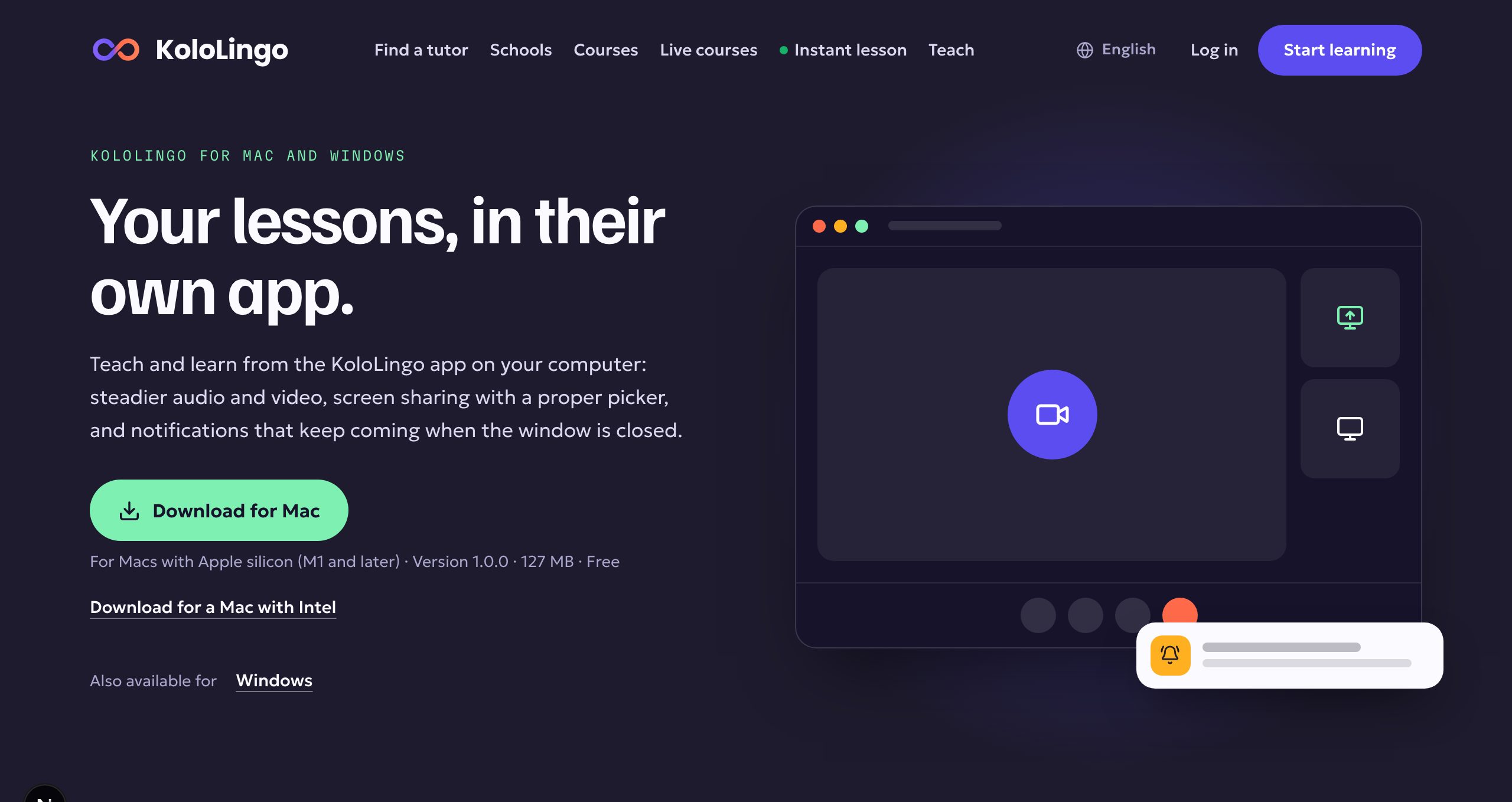
Get it: go to kololingo.com/download. The page offers the right file for your computer. You can also find it in your account menu under "Desktop app".
If you sign in with Google or Apple, the app opens your browser for that step and then brings you back, signed in.
Prefer the browser? Nothing changes: KoloLingo keeps working in Chrome, Edge, Safari and Firefox.