What’s newFor teachers
Your lesson document now carries over to the next lesson
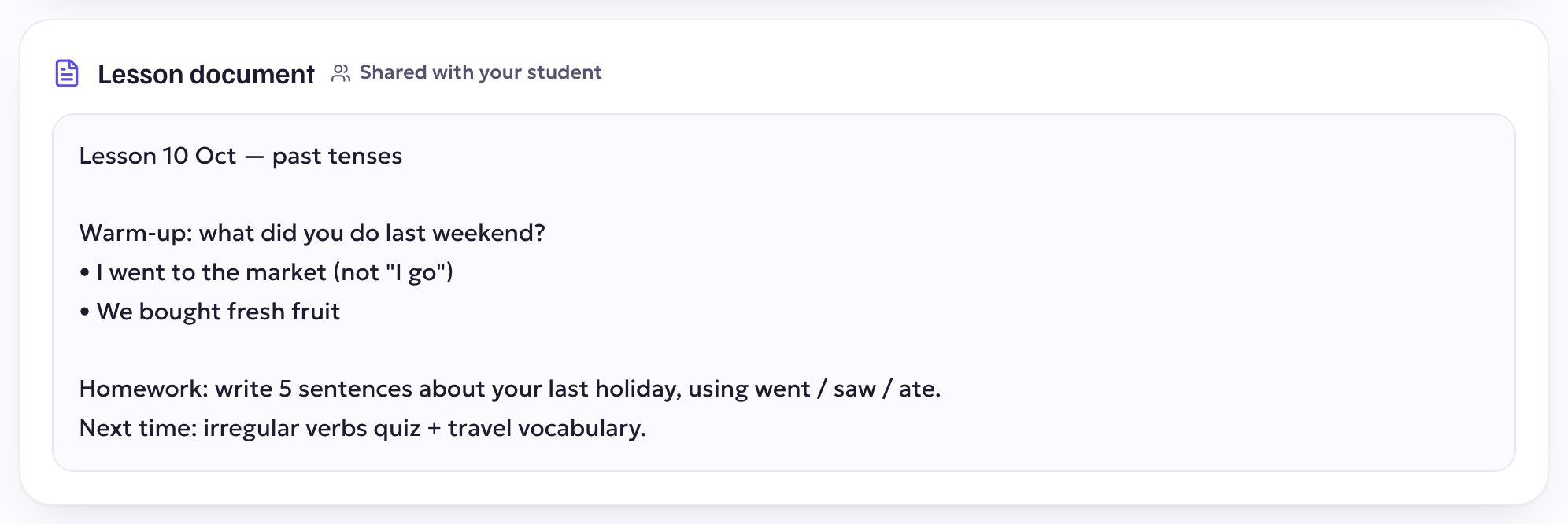
What you write in the lesson's Document tab now goes with you from lesson to lesson. Your next lesson with the same student opens with the document from your last one, with the same sharing setting, so your running notes, homework and word lists are always there.
After the lesson
Every lesson keeps its own copy. You find it:
- on the lesson page, under Lesson document;
- in the classroom, under your earlier lessons, in the Document tab;
- in your materials, on each lesson.
Your student sees a lesson's document only if you shared it. A private document stays yours.
Start fresh
Want a clean page for a new topic? Clear the document in the room. The earlier lessons keep their copies.