What’s newFor teachers
How to use Insights and the rebooking radar (teachers)
Video guide
Watch how it works, step by step, in the real app.
Three places show you where your next lessons can come from: Insights, the rebooking radar and standing weekly slots.
Insights
Open Insights in the menu. It covers the last 90 days:
- What happened to your requests: how many booking requests you received and how they ended (completed, declined, expired and so on).
- Requests that expired without an answer: nobody declined them, nobody replied in time. Answering is the one fix.
- When students ask: the start times students asked for, on your clock. Violet is an hour you are open; amber is one you are not.
- When students keep asking for an hour you are closed, Insights says so and offers Open those hours, which takes you to your availability.

Insights needs at least eight requests to say anything useful. Until then it shows Not enough yet.
Rebooking radar
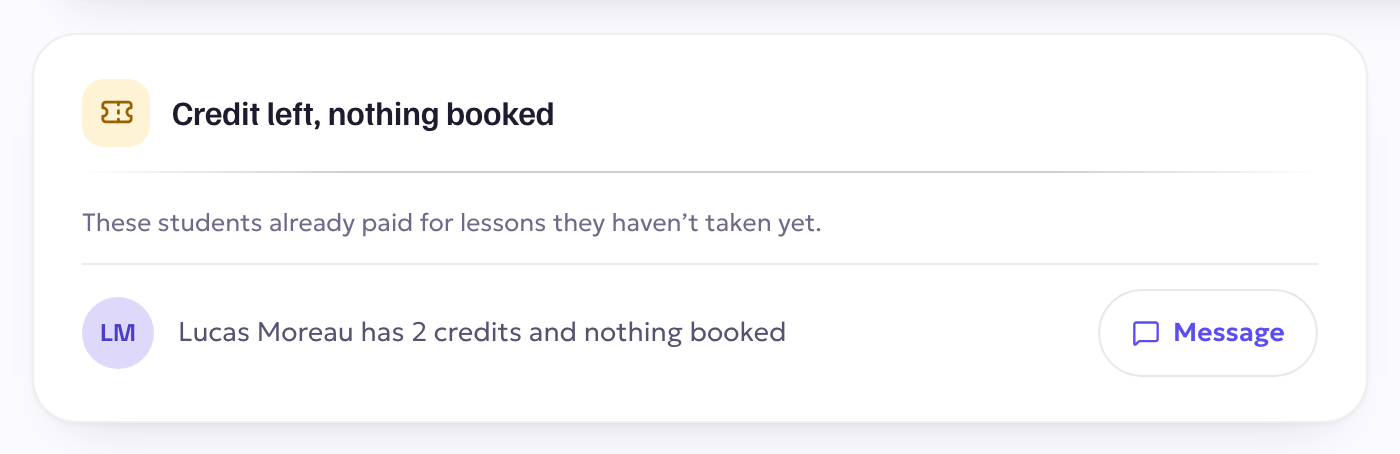
On your Dashboard, Credit left, nothing booked lists students who have already paid for lessons with you but have nothing on the calendar. Press Message to write to them.
Standing weekly slots
Also on your Dashboard, Same time, week after week shows students who have booked the same day and time three weeks running. It is an observation about lessons already booked, not a commitment either of you made.