What’s newFor teachers
How to see what your student keeps missing (teachers)
Video guide
Watch how it works, step by step, in the real app.
What your student keeps missing shows, before each lesson, the words you added to your student's notebook that they have forgotten again recently. One tap puts them into the lesson's plan, so weak spots are worked on instead of lost.
Where you find it
Open Lessons, then the student's next lesson. In the Notebook section you see Since your last lesson, [student] keeps missing, with how many times each word was missed.
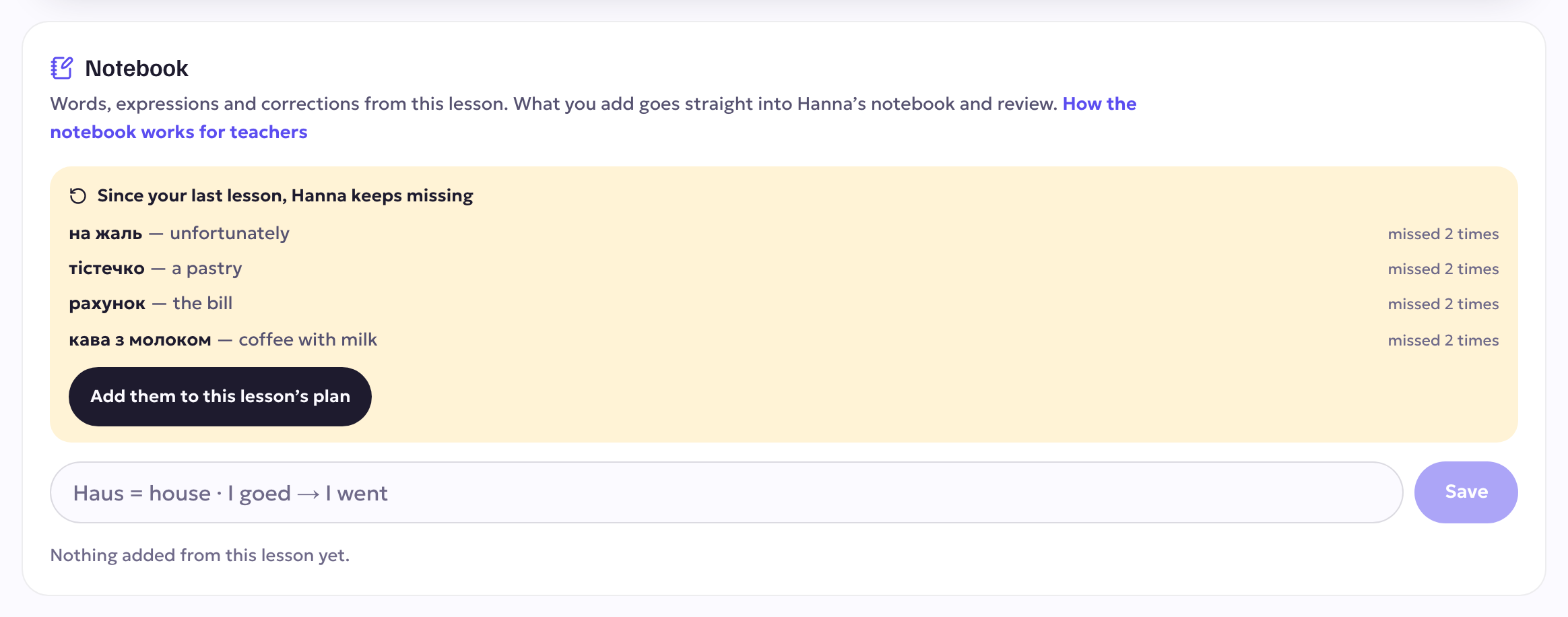
What is on the list
- Only words, expressions and corrections you added to their notebook in your lessons, never the student's own entries.
- Only the ones they got wrong again in their reviews in the last three weeks.
- Up to eight at a time. When nothing is slipping, the list doesn't appear.
Putting them into the lesson
Press Add them to this lesson's plan. The words go into the plan's vocabulary for this lesson, ready for your slides and drills.
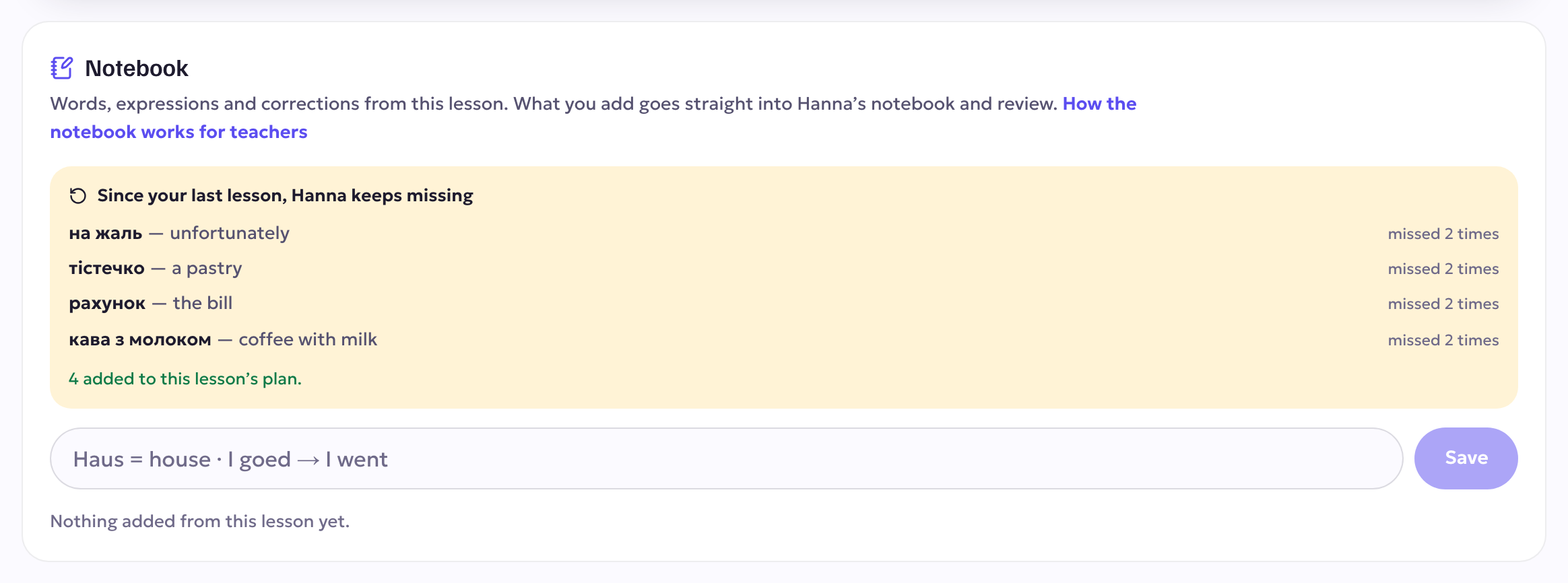
When you draft the plan with Draft from our history, the draft also starts from what the student struggled with and the words due for review. You can edit, fine-tune or regenerate anything it suggests before you save.