What’s new
Choose and test your microphone, camera and speaker
"I can't hear you" can now be fixed in a few seconds, by teachers and students.
Choose and test your devices
- In a lesson, press the settings button in the bottom bar (the sliders icon).
- Choose your microphone, camera and speaker. KoloLingo remembers your choice.
- Speak and watch the bar move, or press Play test sound.
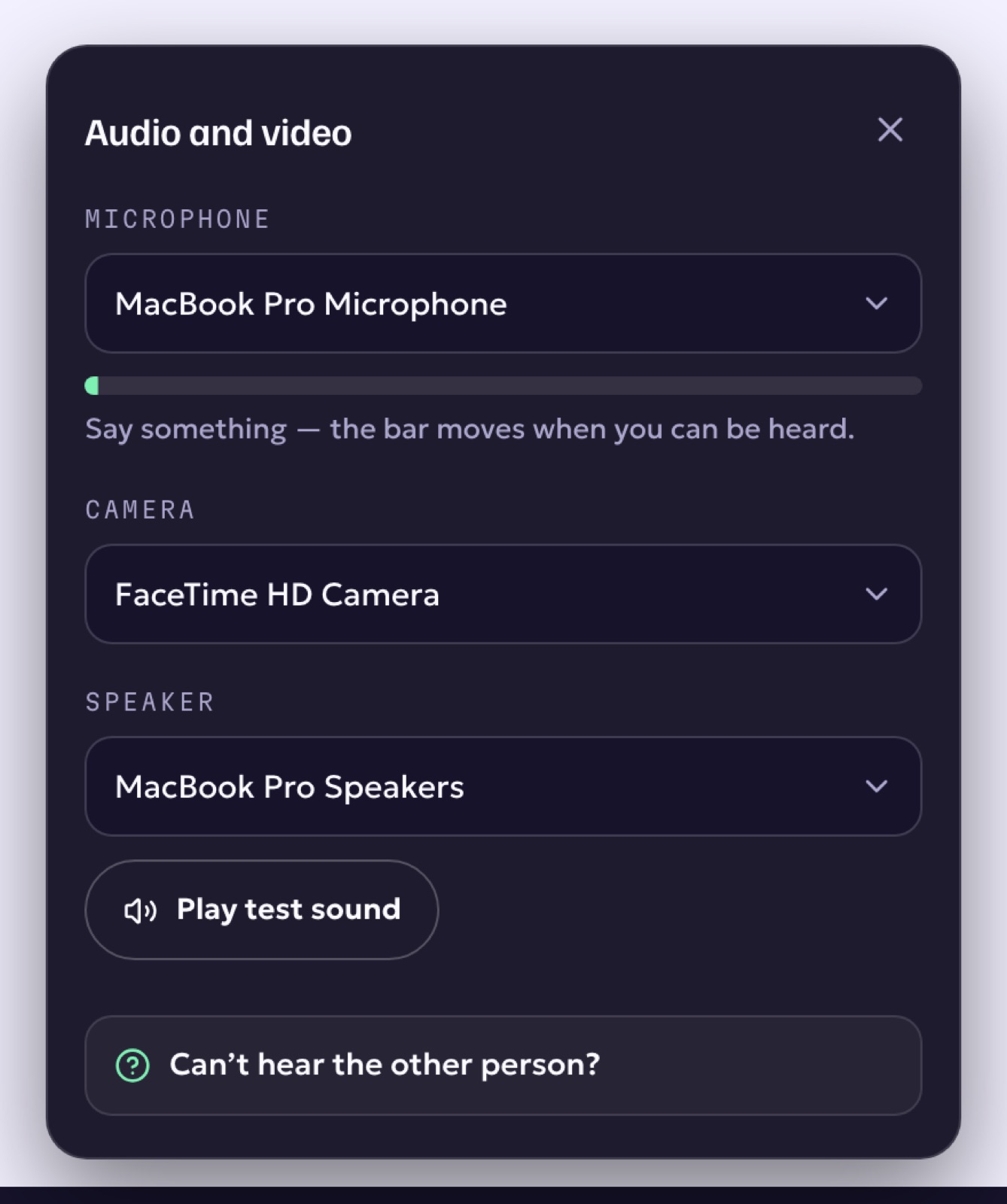
Can't hear the other person?
Press Can't hear? at the bottom left of the room. It walks you through the usual fixes, including the browser holding the sound back.
This works in lessons, group classes, webinars and meetings.